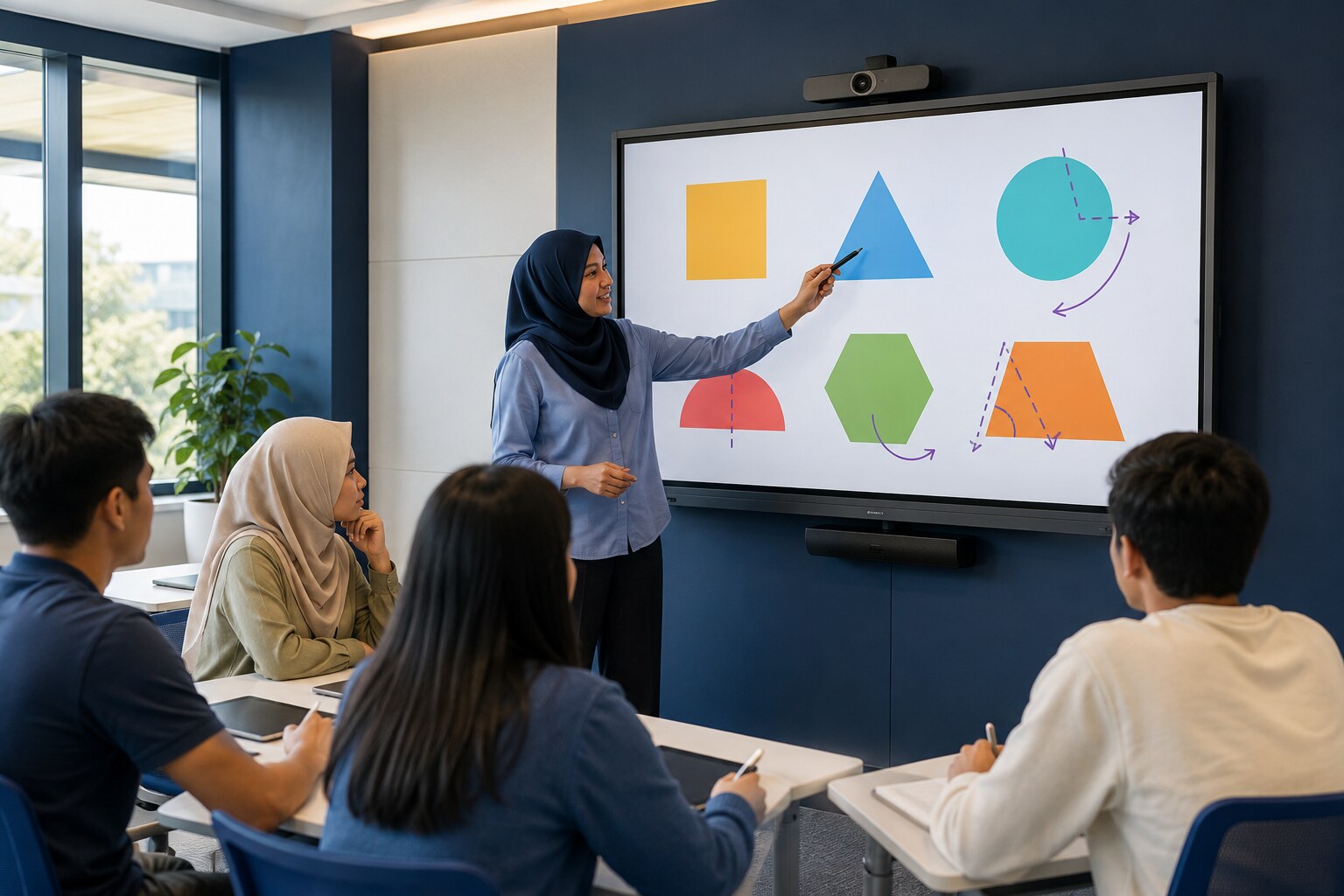
Interactive touch
Write, draw, move content and operate applications directly on the display.
 Check My CCTV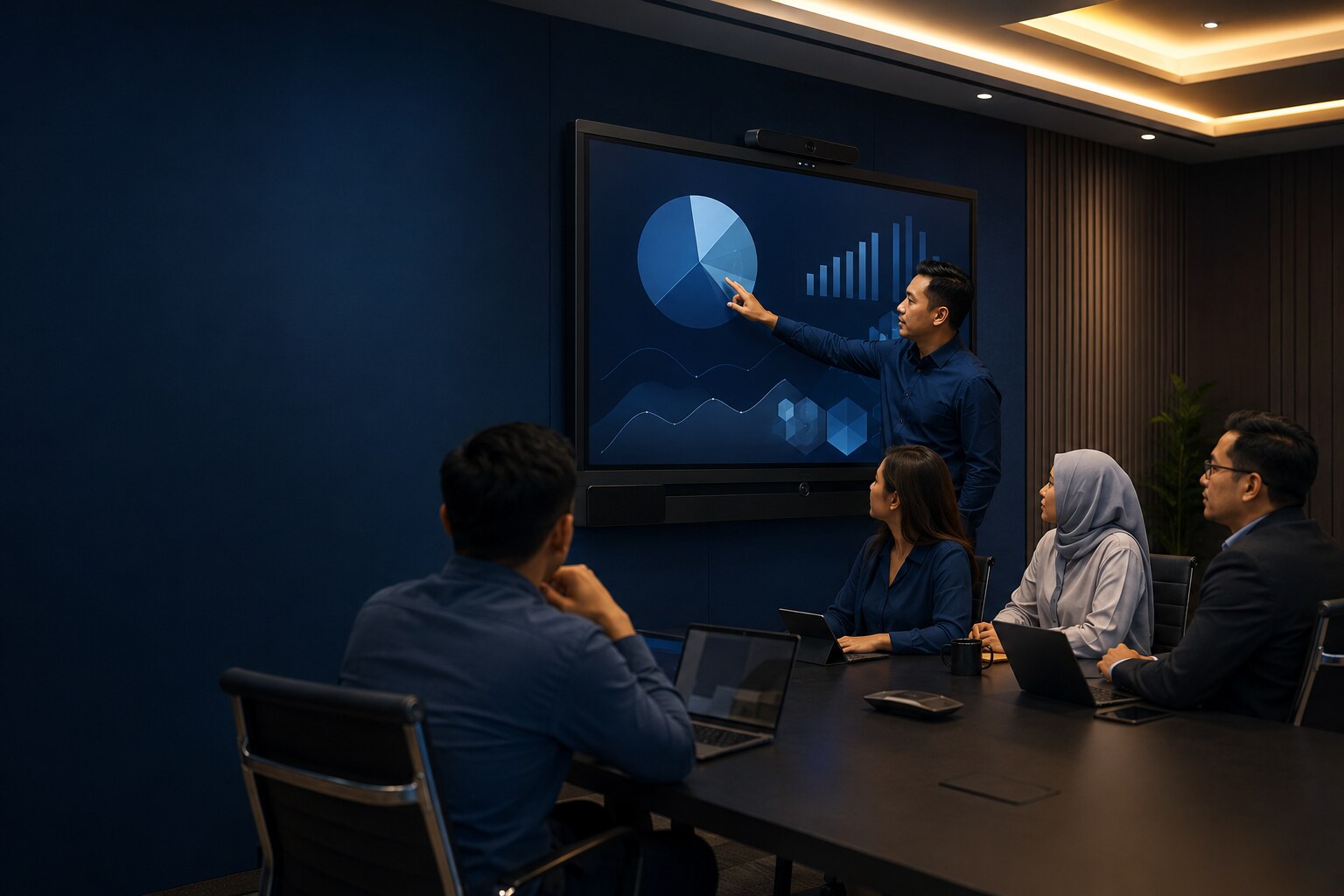
MIB Smartech technical support
Make lessons, workshops and meetings easier to present, annotate and share with properly installed interactive display systems.
Contact the Technical TeamCommercial implementation & support
Interactive displays and collaboration technology for classrooms and meeting spaces.
Every site is assessed for its operational needs, existing infrastructure and maintainability. We explain the scope clearly before installation, repair, upgrade or ongoing support.
Why choose an interactive display?
A smartboard turns a presentation surface into an active workspace—helping teachers, trainers and meeting teams explain, annotate, collaborate and share ideas more naturally.
Write, draw, move content and operate applications directly on the display.
Combine display, annotation, presentation and collaboration tools in one system.
Maintain consistent image quality without depending on a darkened room.
Present from a laptop or mobile device using HDMI, a wireless dongle or a supported app.
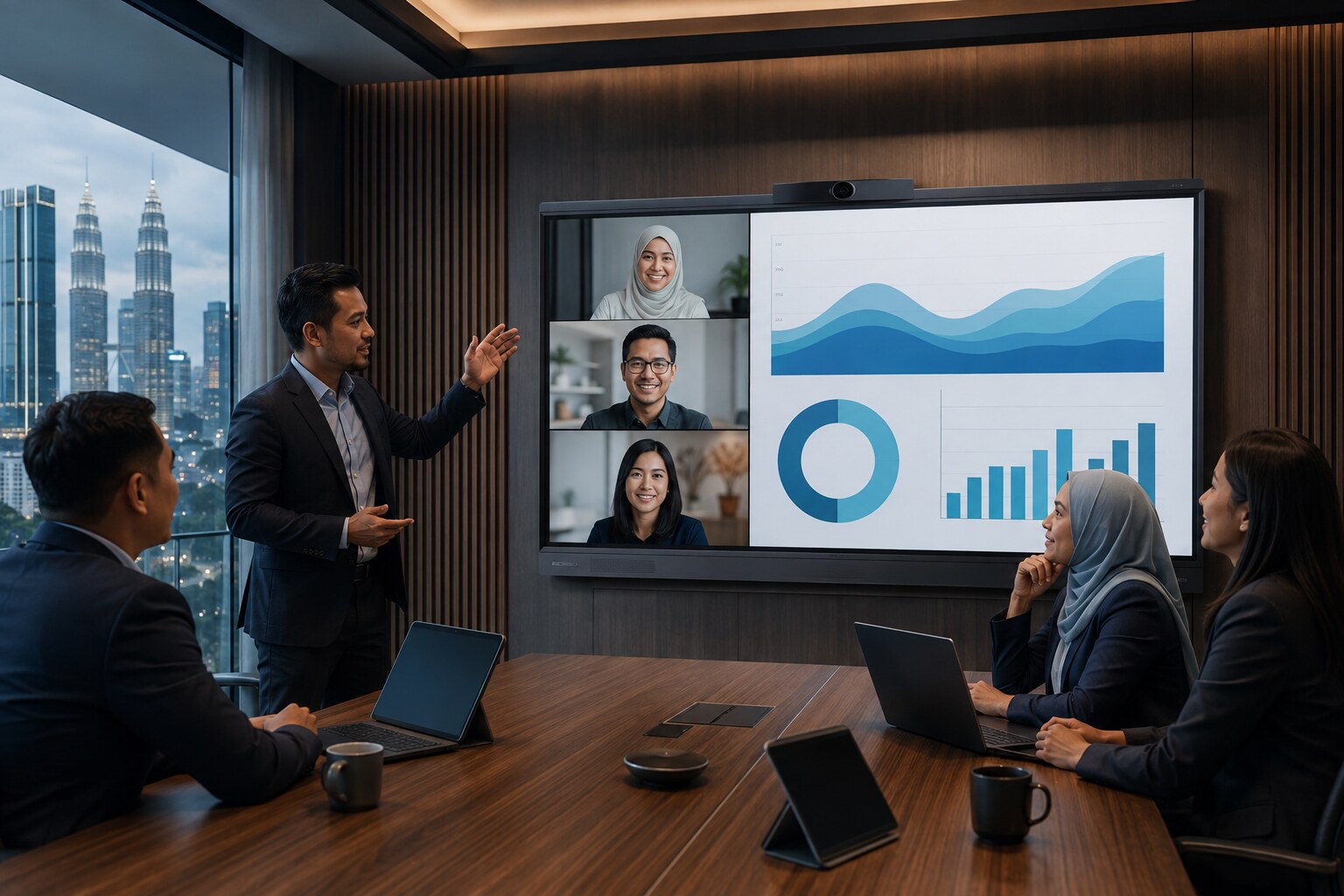
Add cameras, speakers and OPS computing for online classes and meetings.
Save, share and continue annotated material instead of losing what was written.
Clear comparison
Each tool can display or explain information, but the smartboard is designed for direct interaction and collaborative work.
Display size guide
These audience ranges are practical starting points. Room depth, seating arrangement, mounting height and the smallest content on screen should also guide the final size.
Huddle rooms and compact learning spaces
Small classrooms and medium meeting rooms
Classrooms, training rooms and boardrooms
Large classrooms and collaboration rooms
Lecture rooms, halls and large presentation spaces
Education
Teachers can annotate directly over learning material, involve students in activities, switch between resources quickly and save notes for later sharing.
Meetings
Teams can share screens, mark up documents, collaborate with remote participants and move from discussion to action without changing equipment.
AI camera functions
Selected camera packages can automatically compose the video view, reducing the need for someone to keep adjusting the camera during a lesson or meeting.
Function availability depends on the selected smartboard, camera and package configuration.Automatically adjusts the camera view so participants remain comfortably framed as people enter, leave or move within the room.
Detects and highlights the active speaker, helping remote participants follow the conversation more naturally.
Provides a wider overview of the room so remote participants can see the full group and overall meeting context.
Available brand solutions
We help match the suitable brand, display size and accessories to your teaching or meeting requirements. Exact specifications and availability vary by model.
Interactive display options suited to classrooms, tuition centres, training rooms and collaborative learning environments.
Collaboration-focused display options for presentations, boardrooms and hybrid meetings with compatible camera, audio and OPS add-ons.
Frequently asked questions
Practical answers about sizing, accessories, presentations, warranty, delivery and payment options.
We recommend a minimum size of 75 inches, but an 86-inch display is generally the better choice for visibility and comfortable interaction. The final recommendation also depends on room depth, seating layout and viewing distance.
We offer flexible purchasing options: the smartboard on its own, a complete package, or selected add-ons based on what you need. Your quotation will clearly list the included items.
Yes, for standard presentations and annotation. If your company frequently runs online meetings through Zoom, Google Meet or similar platforms, we recommend adding an OPS module. It provides a Windows 11-based computer environment within the smartboard for a smoother all-in-one workflow and helps reduce dependence on an external laptop.
Yes. You can connect using an HDMI cable, a compatible wireless dongle or a supported screen-sharing application.
Our smartboard packages include a three-year warranty. If a covered fault occurs, the defective spare part will be replaced or the unit may be exchanged one-to-one where appropriate, subject to fault verification and the applicable warranty terms.
We provide free delivery within Selangor, Kuala Lumpur and the Klang Valley. Delivery outside these areas may involve an additional charge based on location and access requirements.
Available options may include a rent-to-own plan, a 50% deposit followed by a 50% balance payment, or an instalment plan with financing charges. Eligibility, tenure and terms vary, so please contact us for the current options.
Core functions such as HDMI presentation, local annotation and offline content can be used without internet access. Online meetings, cloud services, web content and some wireless-sharing features require a stable network connection.
Both wall mounting and mobile-floor-stand options are available. We recommend the suitable method after reviewing the wall structure, room layout, viewing height and cable route.
Basic user familiarisation can be provided to help your team start presenting, annotating and sharing content. More detailed training can be arranged when required.